
Cloud access control systems compared
A cloud access control system keeps door rules and the activity log on the vendor's servers, so doors are managed from a browser or phone instead of a server in a closet. These are the systems installers are asked about most.
- License, per door each month
- $3.50 to $15
- Installation work and wiring, per door
- $500 to $2,000
- Five years per door, cloud
- $2,000 to $3,500
- Five years per door, server on site
- $8,000 to $12,000
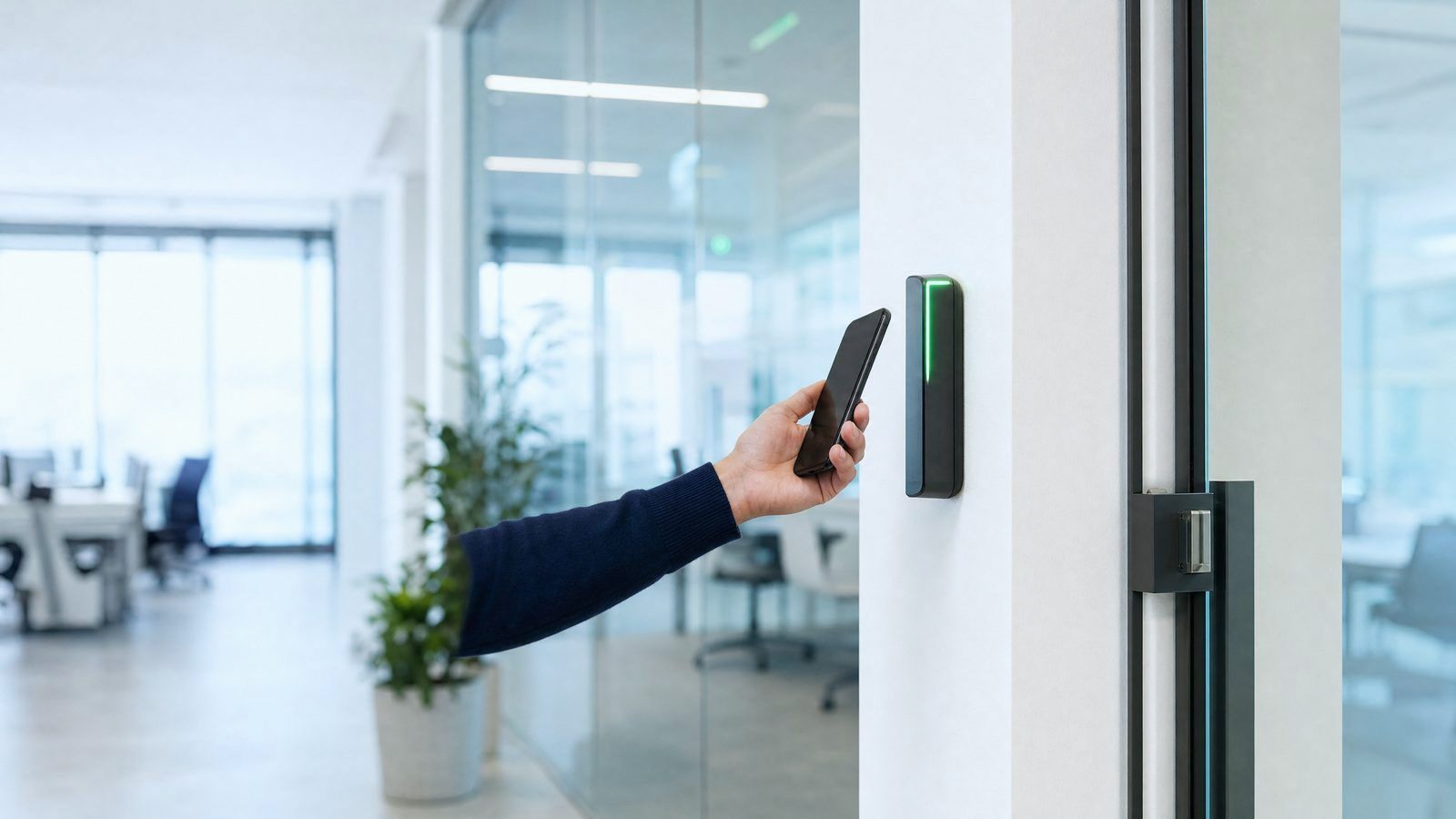
Cloud based access control systems side by side
Vendors that publish prices come first, each in its own units. "Quote" means the vendor sells through installers. Every system here except Genetec lists phones as keys; the vendor name links to its price page.
| Vendor | Best for | Software plan | Hardware price | Phones as keys | Locks you into its hardware? |
|---|---|---|---|---|---|
 ButterflyMX ButterflyMX | Apartments, offices, student housing and gated communities | $20 a month per door, gate or elevator | Quote | Yes | Yes, its own hardware |
 Genetec Genetec | Larger organizations keeping their existing door hardware | $99 (Standard) or $149 (Premium) a year per door reader or other connection | Quote | Ask the vendor | No, open Mercury boards |
 Kisi Kisi | Small and mid-size businesses; the Wiegand board keeps old readers | Plan from $99; door licences on quote | Reader Pro 2 $475; Controller Pro 2 $850 to $1,000; Wiegand board $150 | Yes | Yes, its own hardware |
 Paxton Paxton | Sites of 1 to 1,000 doors wanting doors and video on one platform | None: the software is licence-free | Quote | Yes | Yes, its own hardware |
 Salto Salto | Small sites to multi-site groups, mostly with wireless locks | Salto KS Lite or Pro plans, bought as vouchers from the installer | Quote | Yes | Yes, its own hardware |
 Ubiquiti Ubiquiti | Low-cost single-door to multi-door setups, including upgrades of old systems | No plan listed | Door Hub Mini $129; compact NFC reader from $139 | Yes | Yes, its own hardware |
 Verkada Verkada | Sites of 10 to 10,000 doors that want doors, cameras and alarms from one vendor | Licence required on top; the 4-door AC43 includes 1 year | 1-door controller $899; 4-door $1,999; 16-door $5,999; readers $349 to $599 | Yes | Yes, its own hardware |
 Acre Acre | Keeping Mercury door hardware while moving to the cloud | Quote | Quote | Yes | No, open Mercury boards |
 Avigilon Alta (formerly Openpath) Avigilon Alta (formerly Openpath) | Small to enterprise businesses that want phone and hands-free entry | Quote | Quote | Yes | No, own or open |
 Brivo Brivo | Buildings of any size; a Multifamily edition for apartments | Quote: monthly or annual editions through resellers | Quote | Yes | No, own or open |
 Genea Genea | Office managers who want a simple dashboard for staff access | Quote | Quote | Yes | No, open Mercury boards |
 HID HID | Sites that want HID readers and mobile IDs run from the cloud | Quote (flexible subscriptions) | Quote | Yes | Yes, its own hardware |
 Honeywell Honeywell | Small and mid-size businesses, one or several buildings | Quote (sold through dealers) | Quote | Yes | Ask the vendor |
 LenelS2 (Honeywell) LenelS2 (Honeywell) | Replacing aging servers and software, small business to enterprise | Quote | Quote | Yes | Ask the vendor |
 ProdataKey (PDK) ProdataKey (PDK) | pdk io | Quote | Quote | Yes | Yes, its own hardware |
Swipe the table sideways to see every column.
Cloud access control systems keep the software and data on the vendor's servers, so you don't need to buy a local server. Subscriptions are usually billed monthly or yearly, with prices based on users, doors and locations. Standard licenses typically run between $3.50 and $15 monthly per door. One cost guide puts the five-year cost at about $2,000 to $3,500 a door for cloud, against $8,000 to $12,000 for a traditional on-site system.
The license and 5-year numbers are drawn from Safe and Sound Security's cost guide. Kisi's cost guide is the source for the installation figures.
How does cloud access control work?
In a cloud system, the vendor's servers hold the software and the record of who may open which door. You run your doors through a web page or an app, with no equipment room required, according to Genetec.
Kisi says you never need to buy or maintain a local server. Security and feature updates come in free over the internet, a lot like the updates on your phone. Costs also shift from one big payment up front to a regular monthly or yearly bill. That bill usually scales with the number of users, doors and sites on your account.
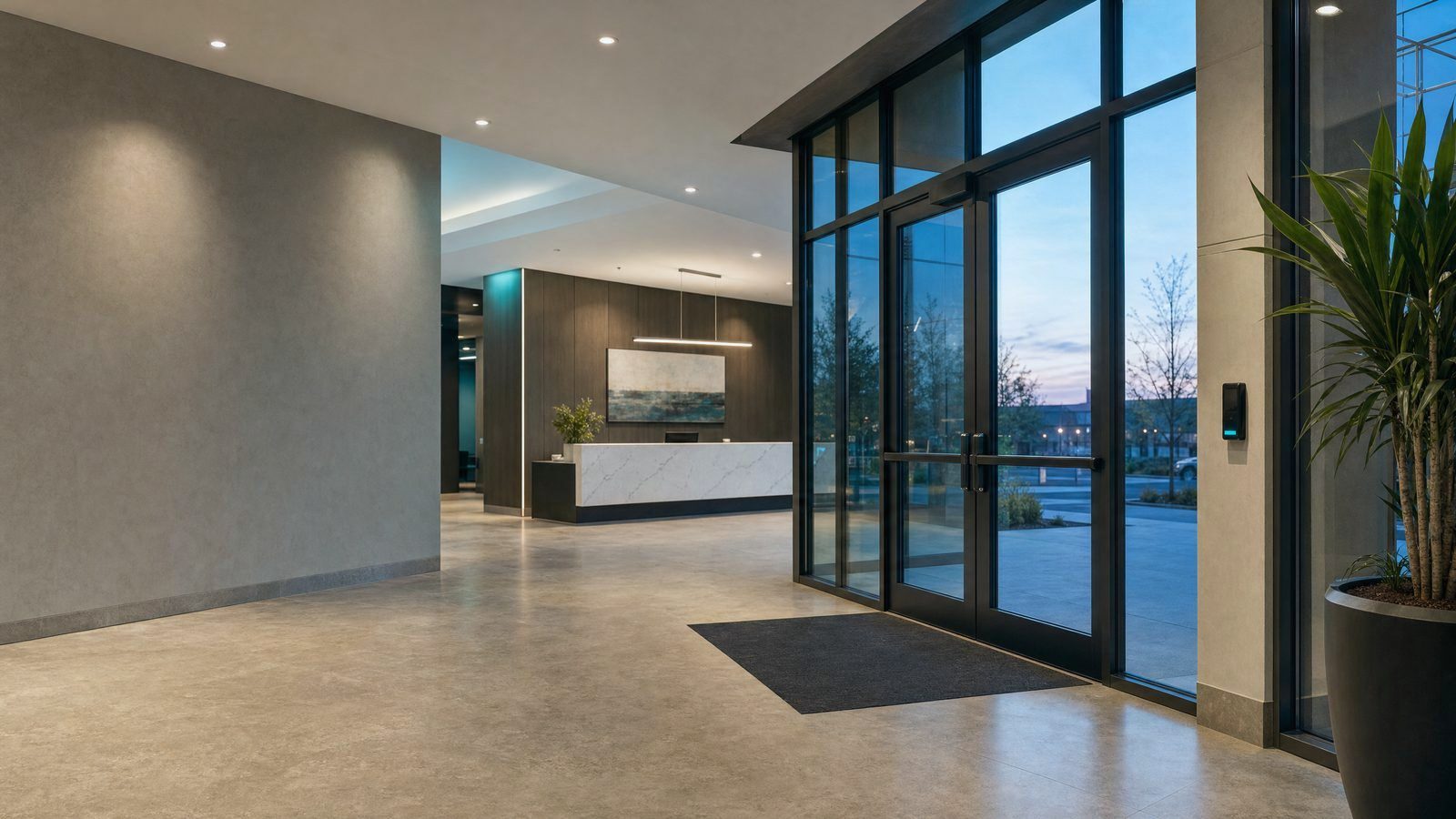
Cloud or on-premises?
An on-premises system means you install and maintain all the equipment and computer systems in your own building. In a cloud system, the software provider takes care of maintenance and updates, Genetec explains.
On-premises can still be the right fit for sites with strict rules about where data lives, like government buildings and critical infrastructure. There is also a third option, a hybrid set-up, where some parts stay in your building and others run online.
| Cloud | On-site | |
|---|---|---|
| Server on site | Not required | You purchase and maintain it |
| Software updates | Handled for you | You handle them |
| Payment style | Subscription, billed monthly or yearly | Largely up front |
| Five-year cost for each door | $2,000–$3,500 | $8,000–$12,000 |
How to choose a system
There is no single system that suits every building. The right one for you comes down to your doors, how people should enter and your budget. These points help you narrow the field:
- Does the vendor publish prices, or only quote through installers?
- How many doors a single controller can handle
- Can people unlock doors with a phone?
- What the doors do during an internet outage
Most systems keep doors working through an outage. Kisi's readers keep credentials on the device and can last as long as 36 hours without a connection. Verkada's doors carry on working even when the network goes down. ProdataKey requires 1 Cloud Node per site, a small box that stores the data on site in case the internet goes down. Losing power is another matter, ButterflyMX notes. How the doors respond then comes down to the power set-up in the building itself.
Door code checks no software choice settles
Whichever system you pick, an electric lock on an exit door must still let people out. These rules shape the wiring and the quote; the installer and the local inspector confirm them on site.
- Exit sensor on the inside
- Under IBC 2021 Section 1010.2.12 a sensor must be installed on the egress side to detect a person approaching the door and unlock it.IBC 1010.2.12 item 1, 2021
- Unlocks if power fails
- Under IBC 2021 Section 1010.2.12 loss of power to the lock or locking system must automatically unlock the electric locks (fail-safe).IBC 1010.2.12 item 3, 2021
- PUSH TO EXIT button
- IBC 2021 Section 1010.2.12 requires a manual unlocking device 40 to 48 inches above the floor and within 5 feet of the secured doors.IBC 1010.2.12 item 4, 2021
- Unlocks on fire alarm
- Under IBC 2021 Section 1010.2.12, where a fire alarm system is provided, its activation must unlock the electric lock until the alarm is reset.IBC 1010.2.12 item 5, 2021
- Hardware within reach
- ADA 2010 Section 404.2.7 places operable door hardware 34 to 48 inches above the finish floor.ADA 2010 Standards 404.2.7, 2010
Every rule with its source: maglock egress sheet. Who may wire the doors in your state: licenses by state.
What a 6-door office pays for licenses and installation
A 6-door office can expect standard cloud licenses of roughly $252 to $1,080 a year. That figure excludes hardware and installation. One guide also budgets $300 to $800 a year for each door in upkeep beyond the license itself.
What installation costs depends on what the doors have today. A door that only has keys needs a new lock, a reader and fresh cabling, which pushes the price up. A door with working electric locks already in place is cheaper to fit out.
| What's on the door today | Cost to install, per door | Total for 6 doors |
|---|---|---|
| Keys and nothing else | $1,200–$2,500 | $7,200–$15,000 |
| Keypads or readers with working electric locks | $500–$1,500 | $3,000–$9,000 |
| Not sure | $1,000–$3,000 | $6,000–$18,000 |
These ranges come from published guides, and the real price depends on what's on your doors today. The door survey on our home page asks three quick questions and sends a brief to a local installer, who quotes after seeing the doors.
Frequently asked questions
Can I keep my existing card readers?
In some cases, yes. Plenty of older systems use a Mercury control panel, the hardware that decides which credential opens which door. Brivo works with most Mercury Series 2 and Series 3 panels. The Synergis Cloud Link from Genetec also links Mercury-based systems to the cloud.
What if I stop paying the subscription?
It varies by vendor, so ask before you commit. With Salto KS, the hubs no longer respond to lock requests once the subscription lapses. You also lose the ability to change access rights after that.
Can staff use phones instead of cards?
Many systems offer this. Kisi readers accept employee badges in Apple Wallet, and they work with keycards and fobs too.
Is cloud safer than on-prem?
Neither is automatically safer, and the sources here don't rank them. With cloud, the provider handles maintenance and updates for you. Some sites with strict data rules, such as government and critical infrastructure, may suit on-premises better.